
This is the first devlog for Eresh, so before talking about features, it’s worth explaining the decisions underneath them: why Rust, why a custom ECS instead of an off-the-shelf one, why wgpu, why egui for the editor. These choices constrain everything built on top of them, so they’re worth getting right early.
Why Rust, and why that pushes you toward ECS
Eresh is a from-scratch, data-oriented game engine. “Data-oriented” isn’t just a buzzword here. It’s a direct consequence of writing a game engine in Rust.
Most established engines model the game world with deep object hierarchies: Unity’s GameObject → MonoBehaviour, Unreal’s AActor → UActorComponent. That pattern relies on shared mutable state reached through many layers of indirection. In Rust, that’s not just awkward, it’s actively hostile to the borrow checker: every layer of the hierarchy is another place where you have to convince the compiler that your aliasing is sound.
An Entity Component System sidesteps the problem entirely: game objects are just IDs, components are plain data stored in contiguous columns per archetype, and systems are functions that declare up front which components they read and write. There’s no hierarchy to fight the borrow checker over, because there’s no hierarchy. That’s the reasoning behind Eresh’s custom archetype-based ECS.
The side effects are the ones you’d want from a performance-focused engine anyway: components packed in columns are cache-friendly and prefetcher-friendly, there’s no virtual dispatch or pointer chasing to iterate a query, and because a system’s data access is declared statically, the scheduler can run systems with disjoint access patterns in parallel automatically, without the author writing any threading code. World state being plain data also makes serialization (for scenes, for the network, for the inspector) close to free.
None of this is a novel idea. What’s specific to Eresh is that it’s a custom implementation rather than a dependency, because the ECS is the foundation everything else (rendering, physics, the editor) is built against, and it needed to be shaped around the engine’s own scheduler and reflection system rather than adapted to someone else’s.
Why wgpu
For rendering, Eresh uses wgpu with WGSL shaders (via naga) instead of targeting Vulkan or DirectX directly. The reason is reach: the same renderer code compiles down to Vulkan on Linux, Metal on macOS, DX12 on Windows, and WebGPU in the browser via WASM. Desktop and web aren’t two separate rendering backends maintained in parallel. They’re the same code, targeting a different backend at compile time. That’s also, concretely, why an in-browser editor is feasible at all rather than a separate project.
Why egui for the editor
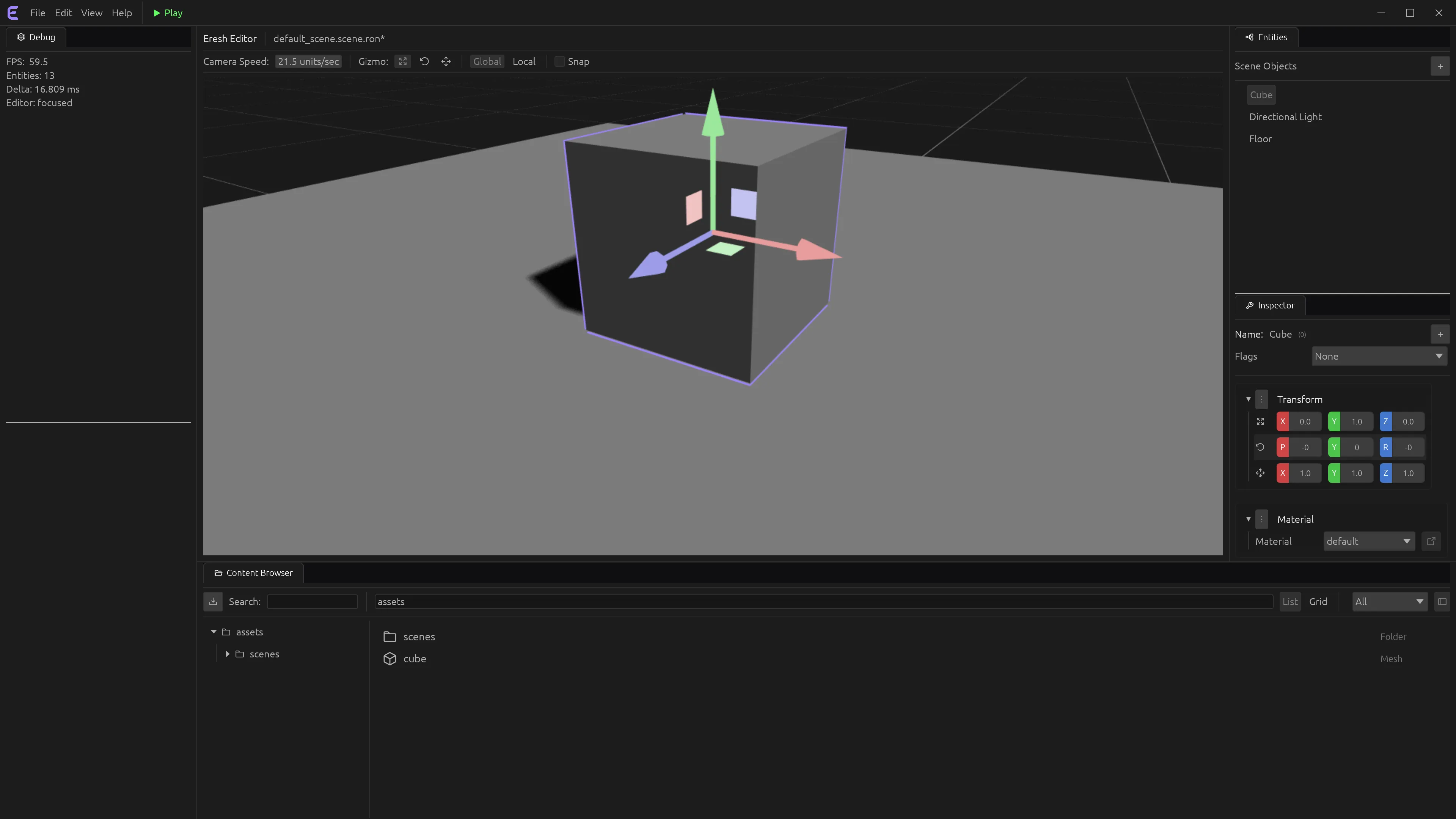

The editor is built with egui, an immediate-mode UI library, and it’s built using the engine itself rather than as a separate application bolted on afterward. That’s a deliberate principle: every improvement to the runtime (the renderer, the ECS, the asset pipeline) directly improves the editor, because the editor is just another consumer of that runtime. Today that gets you a render-to-texture viewport with mouse picking and transform gizmos, a data-driven inspector generated from the reflection system, a content browser with drag-and-drop, dockable panels, .scene.ron scene authoring, and play-in-editor.
Where things actually stand
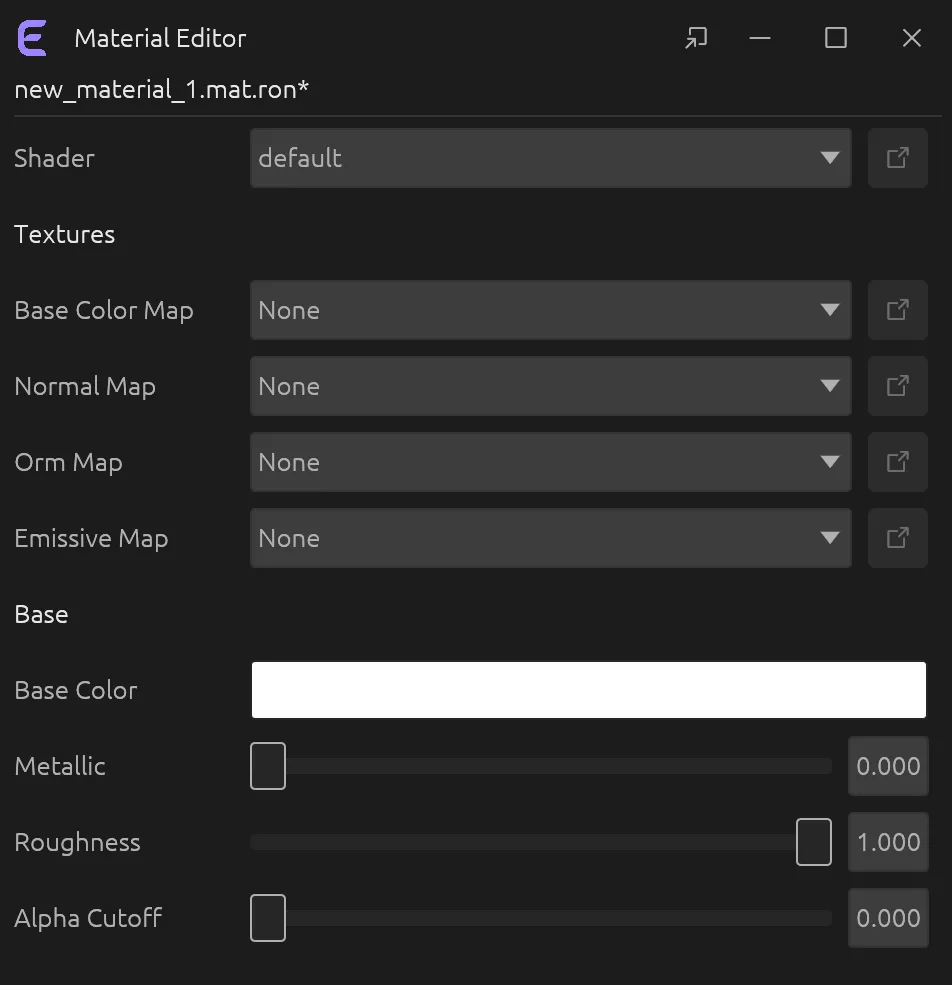
Eresh is pre-alpha, and that’s stated up front rather than glossed over. What exists and runs today: the custom archetype ECS with change detection, a parallel work-stealing scheduler, runtime reflection, a wgpu forward renderer with clustered forward+ light culling, the editor features listed above, an async asset pipeline with a virtual filesystem, and in-editor telemetry/profiling. What’s on the roadmap but not built yet (audio, networking, scripting, a retained-mode UI framework, deferred rendering) stays on the roadmap until it’s actually implemented; nothing here gets called “done” before it is.
What’s next
Future devlogs will go deeper into individual subsystems as they land: the scheduler, the render graph, the editor’s panel-docking system. If you want to see where things stand right now, the editor runs in the browser with no install required.